


FACT Resourcing Extended to Include Pre-Release Projects
FACT Resourcing now surfaces draft and pre-contract projects from Project Operations alongside formally released projects, giving resource managers visibility into early-stage work before it reaches Finance & Operations.
This enhancement is designed for Project Operations-led delivery models where resourcing activity often begins well before a project is formally released to F&O.
Business Context
In Project Operations-led delivery models, resourcing activity routinely begins weeks or months before a project is formally released to F&O. Previously, FACT Resourcing sourced project keys exclusively from F&O, meaning draft and pre-contract projects were entirely invisible to planners. Resource managers were left to anticipate upcoming demand outside the system, often in spreadsheets or informal channels, creating blind spots in capacity planning and making it difficult to staff ahead of confirmed work.
What Changed
The FACT Resourcing view now includes an additional source path that incorporates Dataverse projects not yet present in F&O. A ProjectStatus flag distinguishes Draft from Released projects, allowing report consumers to filter and interpret results accordingly. All existing behavior for released projects is fully retained.
Deployment and Usage Notes
- This enhancement is opt-in. Existing customer environments are not affected unless the feature is explicitly enabled during implementation.
- Customers not using Project Operations are unaffected and do not need to take any action.
- Before enabling, confirm that the Dataverse connection is active and is accessible from the reporting environment.
- The
ProjectStatusflag is designed to be surfaced in capacity planning reports to help users distinguish prospective demand from confirmed, released work. Consider adding this as a slicer or visual indicator in any report that consumes FACT Resourcing data.
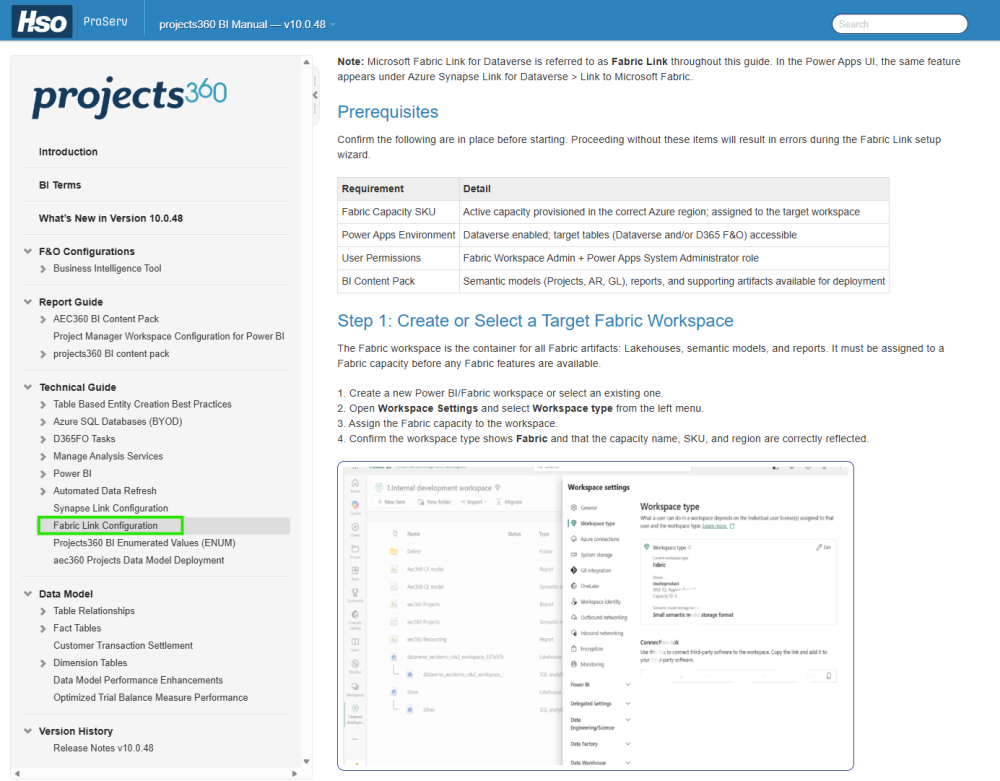
Updated Implementation Guide: Adopting Microsoft Fabric Link in Power BI Reporting
The Technical Guide for Fabric Link Configuration has been updated to cover how to deploy Microsoft Fabric Link as the data source for Power BI reporting. The guide follows a Bronze-Silver-Gold medallion architecture and provides step-by-step instructions from capacity prerequisites through to final validation.
The guide covers the required implementation steps including Fabric Link setup, lakehouse layer creation, semantic model connection, report publishing, and validation. It also includes a cost-benefit considerations, suitability guidance, and recommendations to help assess whether Fabric Link is the right fit for a given engagement.
New Technical Guide: Connecting the aec360 Projects Data Model for Time-Phased Opportunity Demand
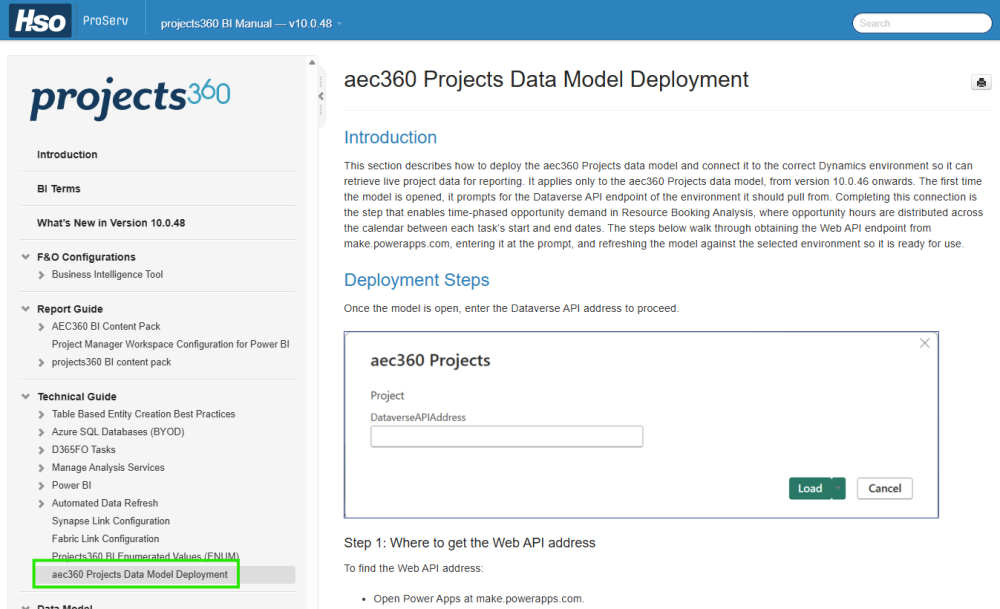
The aec360 Projects data model must connect to the correct Dynamics environment the first time it is opened to enable time-phased opportunity demand in Resource Booking Analysis. The aec360 Projects Data Model deployment steps in the Technical Guide explains the environment parameter prompt that appears at that point and walk through how to respond and connect, so the model can refresh against the selected environment. This applies only to the aec360 Projects data model, from v10.0.46 onwards.
Post your comment on this topic.